Chatbots trained on your own documents
Answers your customers can trust.
GroundedChat turns your help articles, policies and product sheets into a chat widget for your site. It answers only from them, says so when they don’t cover a question, and tells you what it couldn’t answer.
Free plan. No card needed. Or try a live demo
Learns from
- Word
- PowerPoint
- Images
- Text
- Markdown
- Q&A pairs
- Snippets
How it works
Live on your site in an afternoon
No training runs, no flow builder. If it’s written down, your chatbot can answer it.
- 1
Add what you already know
Upload help articles, policies or product sheets, up to 25 MB each. Write Q&A pairs for the questions you get every day.
- 2
Try it, then publish
Ask the draft anything in Preview. Visitors only get the version you publish, so edits never go live by accident.
- 3
Put it on your site
Allow your domain and paste one script tag. No website? Share a link and people can chat in their browser.
Features
Built for answers you can stand behind
A chatbot that makes things up costs you more than one that says nothing. GroundedChat is built to do neither.
Answers only from your documents
It answers from what you upload and nothing else: no web search, no guessing. Each transcript lists the documents behind the answer, so you can check it against your own policy.
Knows what it doesn't know
No answer in your documents? It says so. The question lands on your list so you can fill the gap.
Leads, not just chats
Ask visitors for their contact details, then follow up with the ones who were ready to buy.
See what people ask
Read every conversation with the live version, with daily volume and answer ratings at a glance.
Yours, on your sites only
Your colors, logo and greeting. The widget only loads on the domains you allow.
Who it's for
Wherever the answers are already written down
If people ask the same questions and the answers live in documents, GroundedChat can take the first reply.
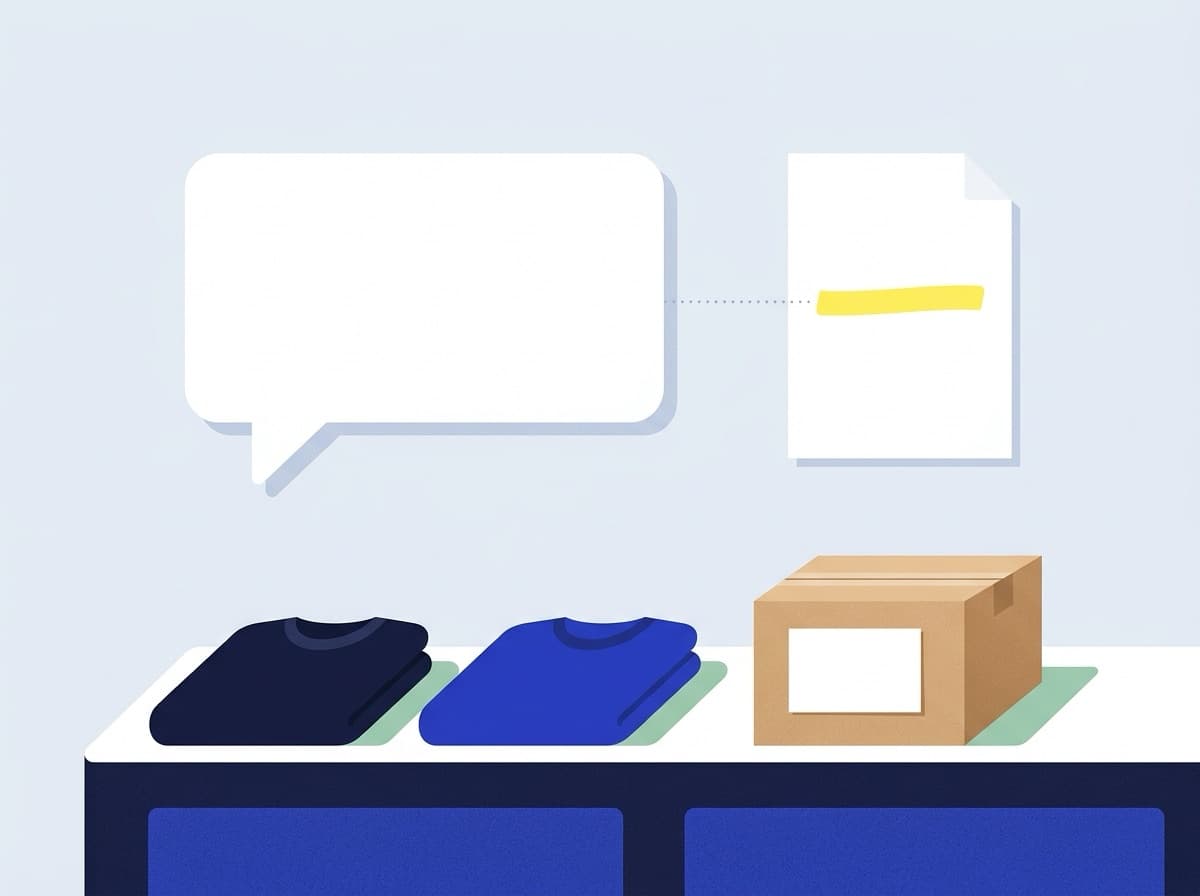
Online stores
Shipping, returns, sizing and stock questions, answered from your policies at any hour, with a lead form for shoppers who are ready to buy.
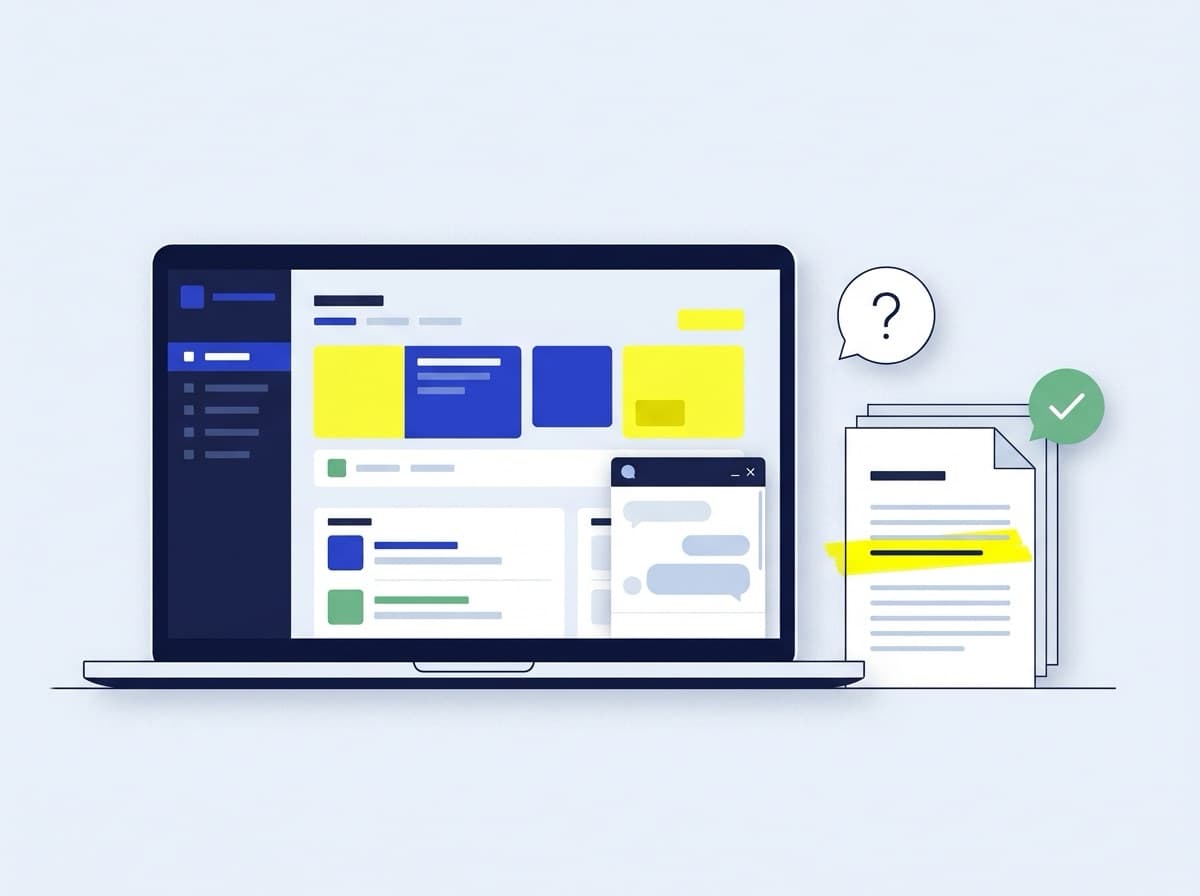
Software help centers
Point it at your docs and help articles. Customers get the steps from your own docs, and your team sees which articles are missing.
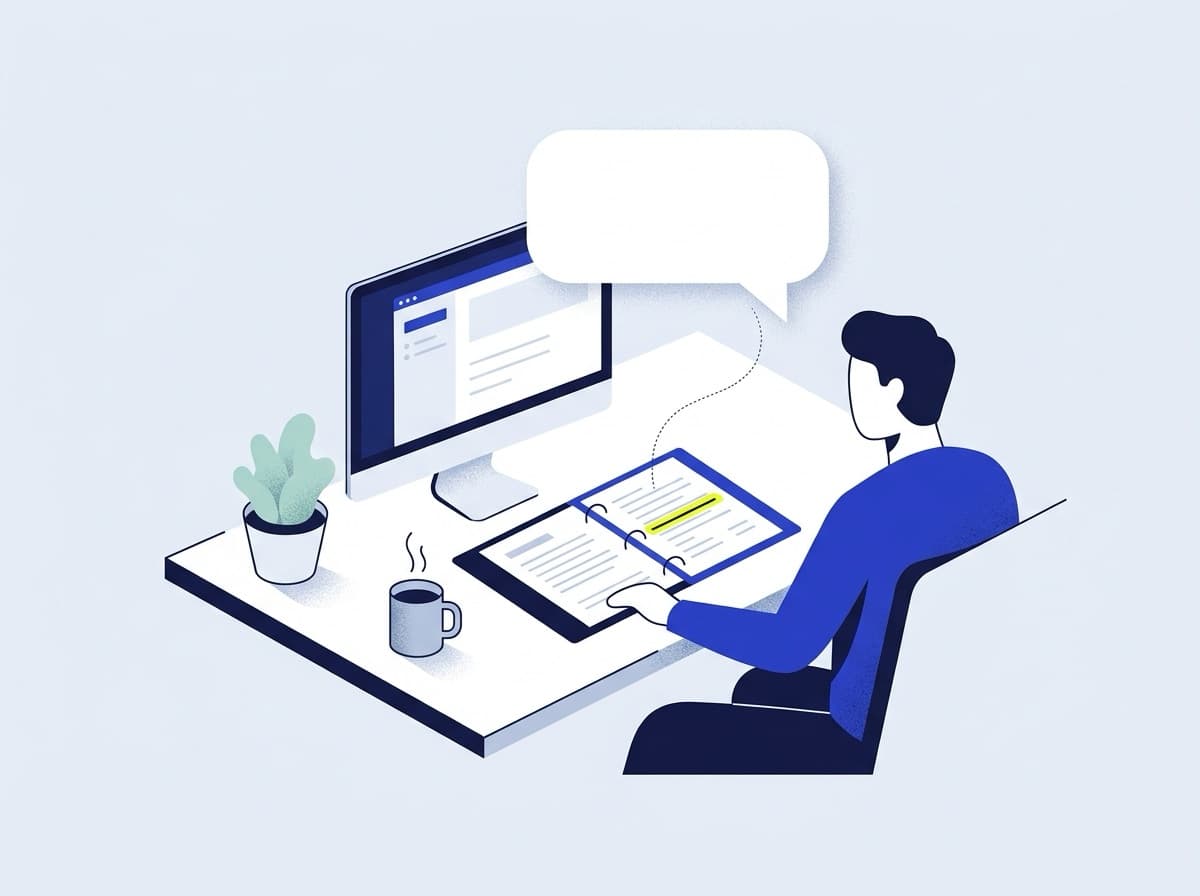
Internal help desks
HR policies, IT guides and onboarding docs behind a share link. Staff stop waiting for a reply to a question that is already written down.
Live demos
Try it on a real website
Each demo is its own site with the widget pasted in, exactly as yours would be. Ask it anything it should know, and something it shouldn’t.
- Online storeFernhill
A knitwear shop that answers delivery, customs, returns and sizing questions from its policy pages.
Open the demo (opens in a new tab)How much is shipping to Germany, and will I pay customs?
£9.50, free on orders over £150. EU orders ship duty paid, so there is nothing to pay on delivery.
Answered from shipping.md
- Public informationGetting married in Singapore
An unofficial guide that answers from the Registry of Marriages' 16-page public PDF: notice periods, fees, documents.
Open the demo (opens in a new tab)How much is the application fee if we're both foreigners?
$380. If at least one of you is a Singapore citizen or PR, it's $42.
Answered from civil-overview.pdf
Pricing
Start free. Grow when it pays for itself.
Every plan has the same grounded answers, releases and analytics. Plans differ in how much they hold.
Free
Try it on one site.
$0/ month
- 1 chatbot
- 100 visitor messages a month
- 5 MB of documents
- 1 seat
- Standard models
- 1 webhook endpoint (experimental)
Starter
For a small business with a help center.
$19/ month
- 3 chatbots
- 2,000 visitor messages a month
- 50 MB of documents
- 3 seats
- Premium models
- 3 webhook endpoints (experimental)
Pro
Coming soonYour brand, for a growing team.
Price to come
- 10 chatbots
- 10,000 visitor messages a month
- 500 MB of documents
- 10 seats
- Premium models
- Your logo, no “Powered by”
- 10 webhook endpoints (experimental)
Business
Coming soonMany chatbots across teams and brands.
Price to come
- 50 chatbots
- 50,000 visitor messages a month
- 5 GB of documents
- 50 seats
- Premium models
- Your logo, no “Powered by”
- 25 webhook endpoints (experimental)
Prices in US dollars. Files are up to 25 MB each, within your plan’s document storage.
FAQ
Questions, answered
What does it answer from?
Only the knowledge you give it: uploaded documents, Q&A pairs and text snippets. Q&A pairs count as verified answers, so use them for the questions you want answered word for word.
What happens when it doesn't know?
It replies with your fallback message instead of guessing, and the question appears under “Questions it couldn't answer”. Add a document, a snippet or a Q&A pair, publish, and it knows next time.
Can I see where an answer came from?
Yes. Every conversation is logged, and the transcript lists the documents retrieved for each answer. Visitors only see the answer.
Which files can I upload?
PDF, Word, PowerPoint, images, plain text and Markdown, up to 25 MB each and within your plan's document storage (5 MB on the Free plan).
Do I need a website?
No. Every chatbot also has a share link that opens it in the browser. It's handy for internal help desks or a link in your email signature.
Can my team work on it together?
Yes. Paid plans include seats for teammates. Admins manage settings and leads, and everyone can improve the knowledge.
Put your help center to work.
Sign in and your workspace is ready. Your first chatbot takes minutes.