Software help centers
An AI chat widget for your help center
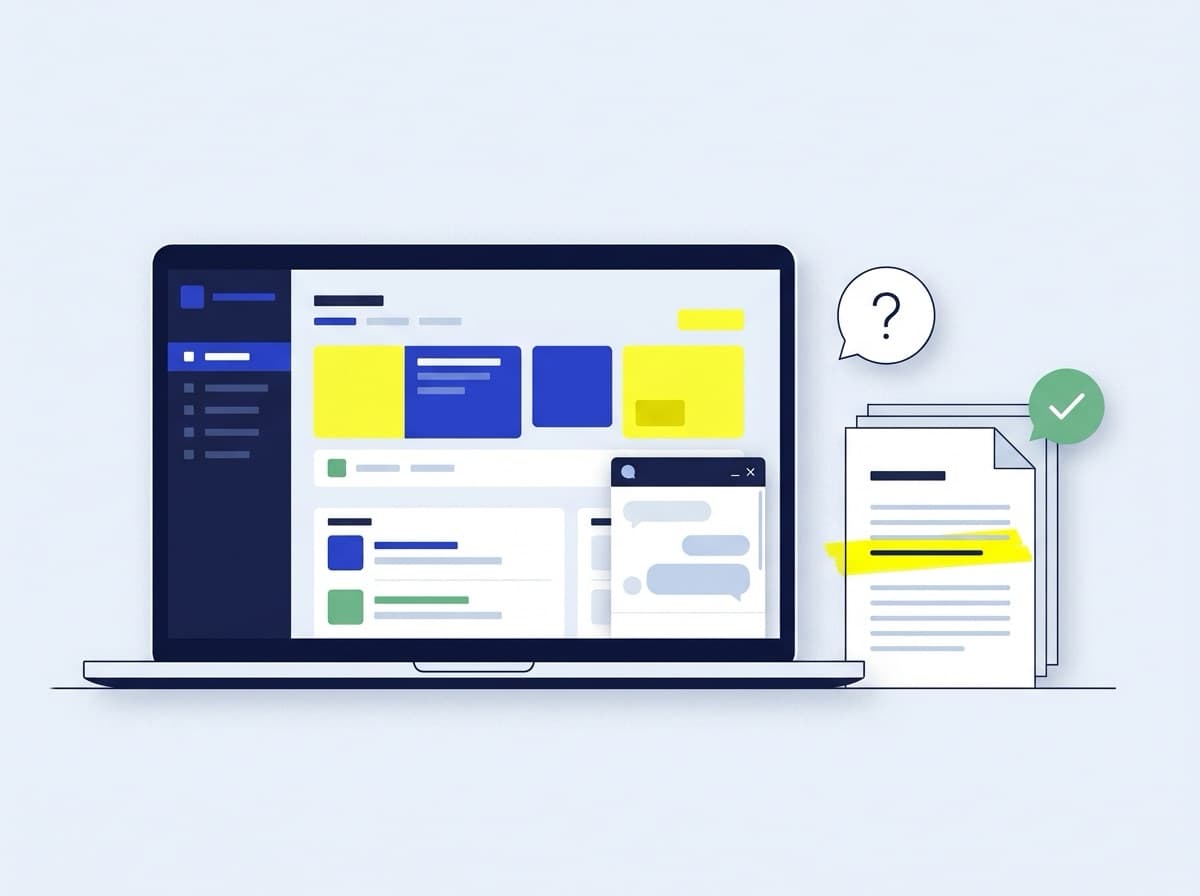
Most support questions are already answered in your docs. GroundedChat gives customers the steps from your own help articles, and shows you the questions your docs don't answer yet.
Questions it can take
- How do I invite a teammate?
- Where do I change my billing email?
- How do I export my data?
- Which plan includes single sign-on?
What you give it
- Help articles
- Product documentation
- Setup and onboarding guides
- Plan and billing pages
PDF, Word, PowerPoint, images, plain text and Markdown, up to 25 MB each. Add Q&A pairs for the questions you want answered word for word.
Why GroundedChat
Answers you can stand behind
The steps from your own docs
Upload your articles as PDF, Word, PowerPoint, images, text or Markdown. The chatbot answers only from them, and each transcript lists the documents behind the answer.
A list of the articles you're missing
A question your docs don't cover gets your fallback message, and appears under the questions it couldn't answer. Add a document, a snippet or a Q&A pair and it knows next time.
Edits never go live by accident
Try the draft in Preview, then publish. Customers only get the version you published.
See what customers ask
Read every conversation with the live version, with daily volume and answer ratings at a glance.
How it works
Live in an afternoon
- 1
Upload your help articles
Add your articles and guides as PDF, Word, PowerPoint, images, text or Markdown, up to 25 MB each. Short facts can go in as snippets, without a document.
- 2
Try it, then publish
Ask the draft anything in Preview. Customers only get the version you publish, so edits never go live by accident.
- 3
Add it to your app or help site
Allow your domain and paste one script tag. The widget loads only on the sites you allow, in your colors and with your greeting.
FAQ
Questions, answered
Can I see which documents an answer came from?
Yes. Every conversation is logged, and the transcript lists the documents retrieved for each answer. Customers only see the answer.
Do changes to the knowledge go live straight away?
No. Changes stay in the draft until you publish, and you can try them in Preview first.
What happens when the docs don't cover a question?
It replies with your fallback message instead of guessing, and the question appears under “Questions it couldn't answer”. Add a document, a snippet or a Q&A pair, publish, and it knows next time.
Also for
Other places it fits
Online stores
Shipping, returns, sizing and stock questions, answered from your policies at any hour, with a lead form for shoppers who are ready to buy.
Read moreInternal help desks
HR policies, IT guides and onboarding docs behind a share link. Staff stop waiting for a reply to a question that is already written down.
Read more
Try it on your own documents.
The Free plan needs no card. Your first chatbot takes minutes.